CAD Viewer · Local drawing processing
Export CAD drawings to vector PDF
Create a PDF using vector CAD paths and supported review vectors. Check the selected layout, print options and drawing units. PDF text drawn as glyph outlines remains visible but cannot be searched or selected as ordinary text.
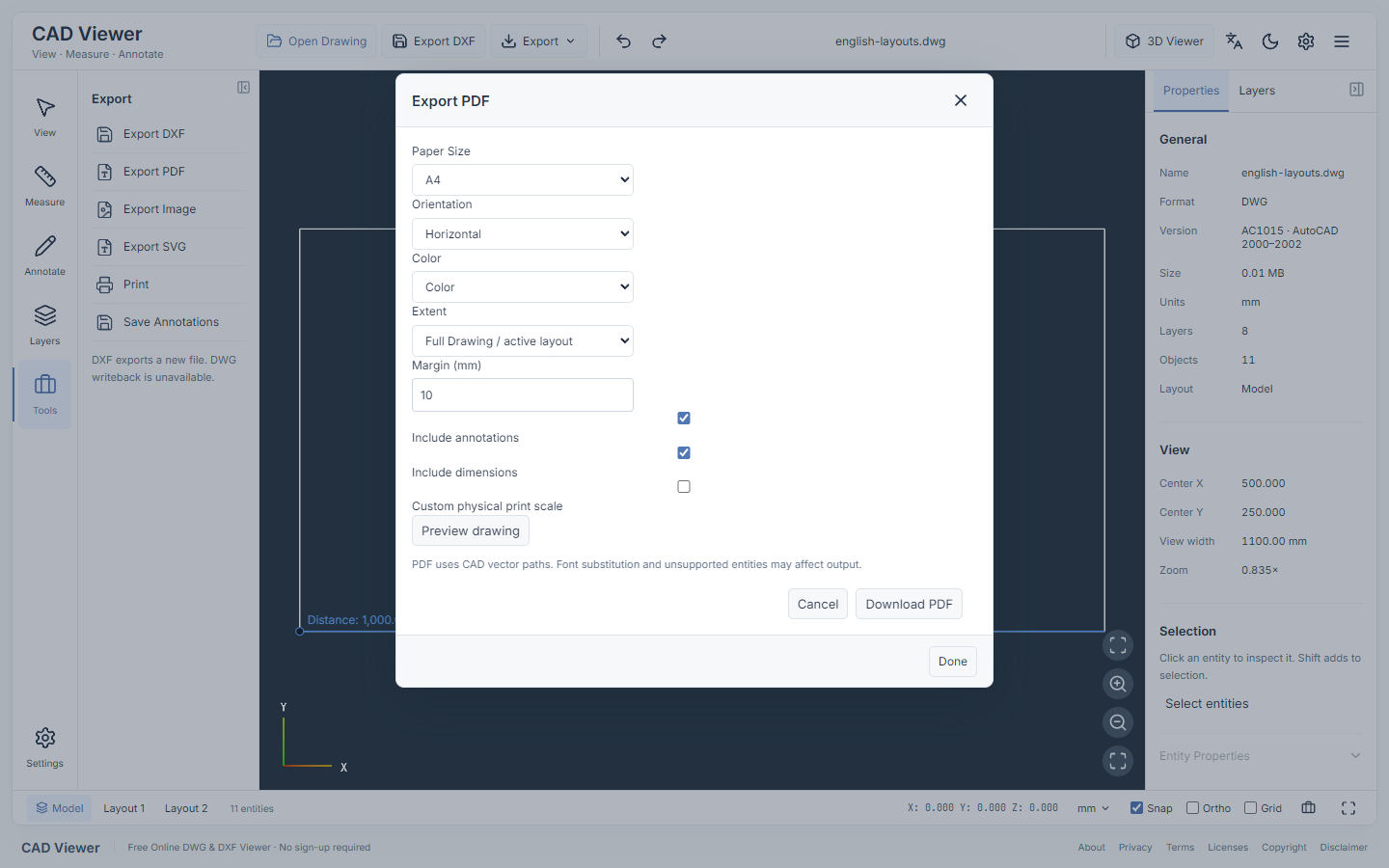
Check the PDF output
Select model or a supported paper layout and export PDF. CAD text is represented by vector glyph outlines in the current output. User pictures remain raster images. Unknown physical units and unsupported all-layout scaling are rejected explicitly; do not assume any visual zoom establishes a physical print scale.
What stays on your device
Open Drawing reads your selected file using local JavaScript and WebAssembly. The viewer has no drawing-upload or cloud-storage endpoint. It fetches its own code, fonts, parser assets and optional public samples. Source restoration, saved reviews and measurements use browser storage. Clear local data in Settings or clear the browser’s site data after exporting anything you need, especially on a shared device.
Compatibility and limitations
Support varies by file version and entity. Splines, leaders, external references, proxy or dynamic entities and engineering fonts may differ or be missing. The current release does not write DWG and does not claim complete AutoCAD compatibility. DXF, PDF and images can differ from the source. Independently verify engineering-critical dimensions and deliverables.
How to use it
- Open a supported DWG or DXF in the 2D viewer and check the rendered source drawing.
- Select the model or supported paper layout you want to export.
- Choose Export PDF and review the print options, physical units and selected layout.
- Download and open the PDF. Check geometry, text, clipping and scale before sharing or printing.
Questions and answers
Can I convert a DWG drawing to PDF?
Yes, after the DWG is successfully parsed. Export PDF writes the displayed supported CAD geometry; it does not guarantee support for every source DWG entity or layout.
Is the output vector or a screenshot?
Supported CAD paths and review vectors are exported as vectors. User pictures remain raster images, and unsupported source details can differ or be absent.
Can I search the CAD text in the PDF?
CAD text is currently drawn as vector glyph outlines. It remains visible but cannot be searched or selected as ordinary PDF text.
Does the current zoom guarantee the print scale?
No. View zoom is not physical print scale. Check the layout, source units and print settings; unknown physical units and unsupported all-layout scaling are rejected explicitly.